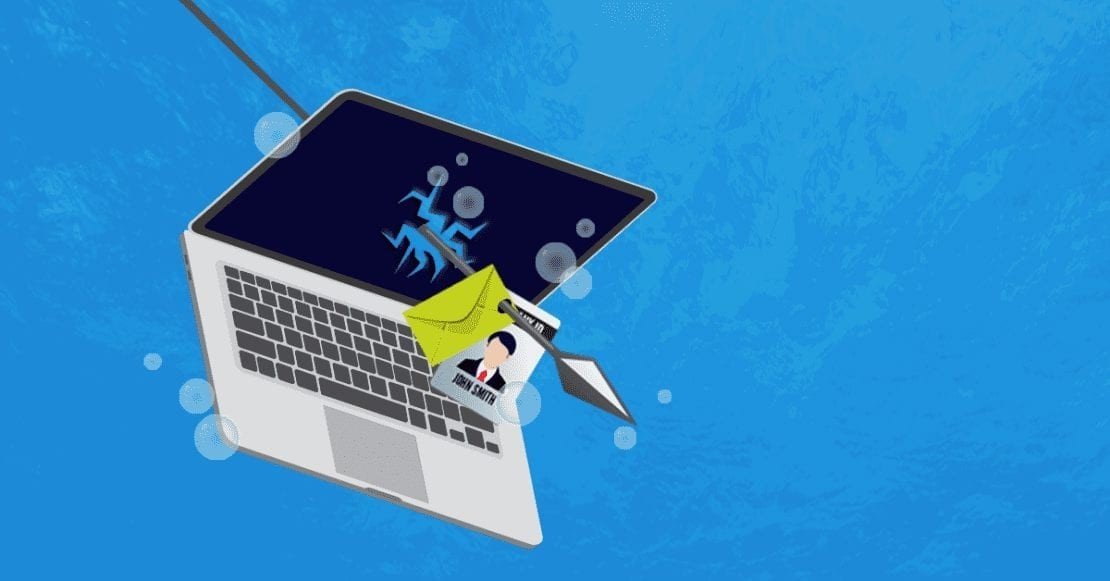
Sarah works at a company called “AY Financial Services Ltd.” She’s responsible for marketing and often collaborates with John, who works in the finance department. They frequently email each other about budgets and expenses. One day, a cybercriminal decides to target Sarah. The hacker knows that Sarah and John often communicate about financial matters, so he decides to impersonate John to trick Sarah. The hacker sends Sarah an email that looks like it’s from John. The email reads as follows:
From: John (john@ayfinanceug.com) Subject: Urgent: Budget Report NeededF
Hi Sarah,
We need to update our budget report for the end-of-month review. Please download the attached document and fill in the required details.
Thanks, John
Sarah sees the email from “John” and doesn’t notice the slight difference in the email address. Trusting that it’s from her colleague, she opens the attached document. Unfortunately, the attachment contains malware that installs itself on her computer, giving the hacker access to her system. The malware captures Sarah’s keystrokes and sends them to the hacker. This includes passwords and other sensitive information that Sarah types. The hacker now has access to the company’s internal systems.
Later, IT security discovers the breach and informs Sarah that she was the victim of a spear-phishing attack. They explain, “Spear phishing is when someone pretends to be a trusted person to steal information or gain access to systems. The hacker used details about your work relationship with John to make the email look convincing.”

Understand spear phishing
Spear phishing is a targeted phishing attack aimed at specific individuals or organizations. Unlike generic phishing attacks that send out mass emails to random people, spear phishing is customized and appears more legitimate, making it harder to detect. There are five steps in conducting a successful spear phishing, footprinting and reconnaissance; enumeration; exploit; escalation and takeover.
Step 1: Research. First, the hacker will become a digital detective. Will conduct research about the target on all social media, including LinkedIn, Facebook, Twitter, and even the company’s website to gather intel on the CFO, let’s call him James.
Tools used:
- Social Media: For James’s job title, interests, and connections.
- Google: To find any articles or mentions of James and Safari Savings Bank.
- Company Website: To see organizational structure and recent news.
- Any other available source of information like TikTok, online forums etc.
What the hacker expects to find:
- James loves watching soccer and is a die-hard fan of Gor Mahia FC based in Kenya
- He often posts about his favorite nyama choma (grilled meat) joints.
- He just announced a big deal that’s about to close with a major client.
Step 2: Crafting the Perfect Email
Now, it’s time to write an email that James can’t resist. The hacker will impersonate his soccer buddy, Ken, whom he noticed always comments on his football updates on his Facebook profile and use what he knows to make it convincing.
A sample email that the hacker would use:
- “Subject: “Amazing News About Gor Mahia!”
- Body: “Hey James, it’s Ken! Just heard about the big deal, congrats! By the way, I’ve got some insider info on the next Gor Mahia match. Check out the attached PDF for the full scoop. Also, we need to hit up that nyama choma spot soon!”
- Let me know what you think about the upcoming matches in the PDF. Catch up with ya later.”
Tools used:
- Email Spoofing Tool: To make the email look like it’s from Ken (something like “phisher’s friend”).
- Malicious Attachment: A PDF that, when opened, installs malware to capture James’s keystrokes.
Step 3: Sending the Email
The hacker then sends the email on a Friday afternoon when James is getting ready for the weekend and might be less cautious.
Tool:
- Email Client: Any regular email service (like Microsoft Outlook or Gmail), but with spoofed address.
Step 4: Hook like James Bond…
James opens the email, sees it’s from “Ken,” and is excited about the soccer tips. He clicks on the attachment. Boom! The malware installs, and the hacker starts getting his keystrokes, including login credentials.
Step 5: Using the Credentials
With James’s login details, the hacker accesses the bank’s financial systems and transfers funds to his offshore account or to another account in the same bank to someone they have told to withdraw money instantly. All in a day’s work!
Tools used
- Keylogger: Installed by the PDF to capture James’s login details.
- Remote Access Tool: To get into the Bank’s system and move the money.
Gaps the hacker Exploited
- Trust in Familiarity. James trusted the email because it seemed to come from a friend.
- Lack of Verification. James didn’t verify the email’s authenticity.
- Weak Attachment Security. The company didn’t have a system to detect malicious attachments.
- Human Nature. People are naturally curious and less cautious with emails from known contacts.
Why Hackers Always Exploit These Gaps:
- People are Predictable. Human nature doesn’t change. We trust familiar names and act on curiosity.
- Technology Can Be Tricked. No system is foolproof. There’s always a vulnerability somewhere.
- Complacency is Common. Many companies don’t invest enough in cybersecurity training or tools.
Lessons Learned
- Be Skeptical. Question unexpected emails, even if they seem to come from someone you know.
- Verify the Source. Double-check the sender’s email address and contact the person directly if you’re unsure.
- Look for Red Flags. Watch out for unusual email addresses, urgent requests, or attachments.
- Don’t Open Unknown Attachments. Be cautious with attachments from unknown or unexpected sources
Be more cautious with emails and online communications. Understand that cybercriminals can be very convincing and that it’s important to verify the authenticity of any unusual request.
Mr.Strategy Tweet
Ends.
Copyright iShied 2024. All rights reserved.
iShield is cybersecurity research project of Summit Consulting Ltd.